Make yourself look a million dollars
Do you often cringe at photos of yourself and wish that you looked a bit more polished or glamorous? Of course you do. I'm not saying you're hideously ugly, but all of us could do with a bit of 'touch-up' if we want photos of us to look as good as how we think we look in our heads.
Step forward Facetune for iPad, a photo retouching app with a powerful toolset. It will give you the same kind of edge that those pixel-perfect celebrities have in glossy magazines. Goodbye wrinkles, farewell cellulite, adios warts!
Cheaper than botox
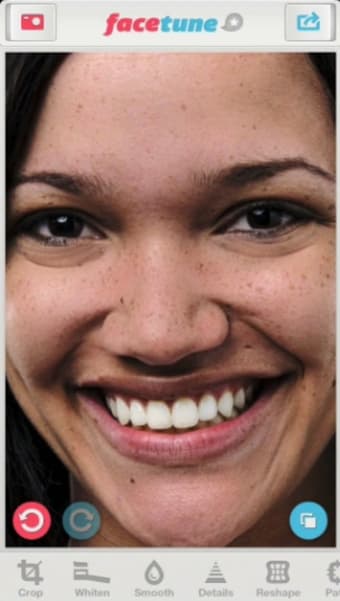
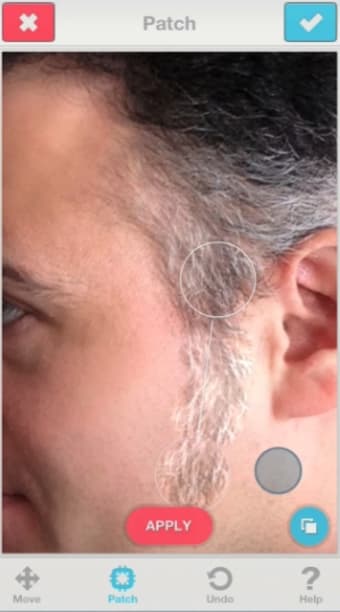
Unlike other iOS image editors like Photoshop Touch or Snapseed, Facetune for iPad is specifically designed for retouching photos. All of its many editing tools can help you touch up a portrait or a selfie in some way. You can widen a smile, whiten teeth, change your eye color, refine your jaw line, hide gray hair, and much more.
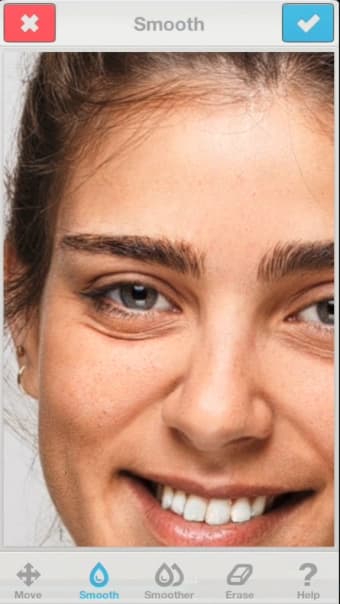
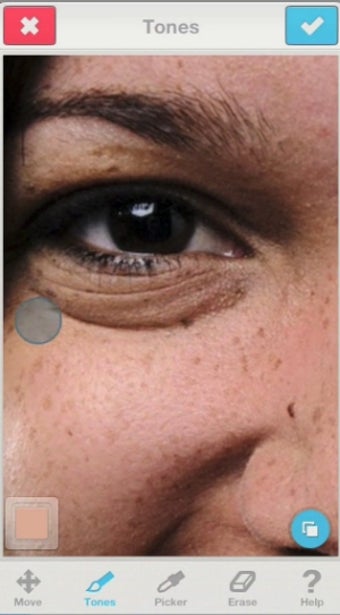
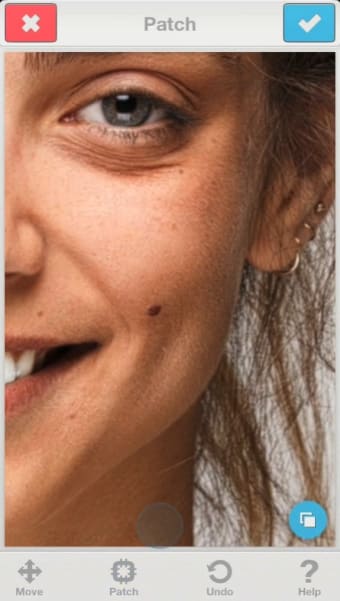
These effects are achieved through one or a combination of the retouching tools that appear along the bottom of the Facetune interface. For instance, there's a smoothen tool, a patch, red-eye removal, defocus, and more.
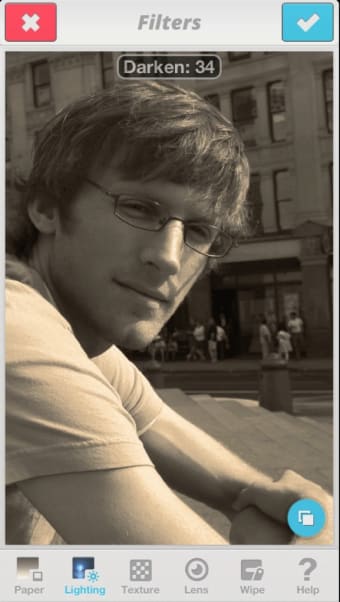
There's also a handy crop tool, as well as lots of cool filters and frames to help give your images a striking artistic effect.
You can import any image on your iPad to be edited in Facetune, or use your camera. Once you're done with your creation you can save it or share it on your favorite social network or messaging service.
10-minute makeover
The idea is that by applying these different tools to a face you can remove imperfections and enhance its best features. It takes a while to figure out what each tool is best used for, though if you don't have the time to experiment yourself there are some helpful video tutorials available in the app's help section.
Facetune's user interface is clear and well designed. Once you've selected your tool, you simply manipulate the photo with your finger to apply it. You can pinch to zoom in and get more precise, or pan around the image by holding down both fingers and swiping around.
There's a button in Facetune that shows you the original image when you hold it down, and multiple undo/redo to help you correct mistakes.
The internet's next top model?
Facetune for iPad lets you have the face you've always dreamed of. The app fun to learn and the tools within the app are surprisingly powerful once you've mastered them.
Facetune is ideal for beautifying yourself to fool people on sites like Facebook, Snapchat or Tinder into thinking that you're model material. If you already are model material, why not use it to make yourself look ugly and stop creeps hassling you on social media?